San Francisco Wedding Photographer

Photography

filed in

How to Archive Your Photographs

03

May

You just got your photos taken by a professional photographer and you are so excited to get them downloaded onto your computer and let’s just be honest……share them all on social media, DUH! Maybe you purchase some prints or canvases to adorn your walls. But after that, what are you going to do with these digital images?

These days, there are SO many options used to archive your digital images…it can be very overwhelming!! I would like to take the time to share some of my favorite options for my clients, as well as options for photographers.

  • backup
  • online storage/cloud
  • prints
  • External Hardrive
  • USB

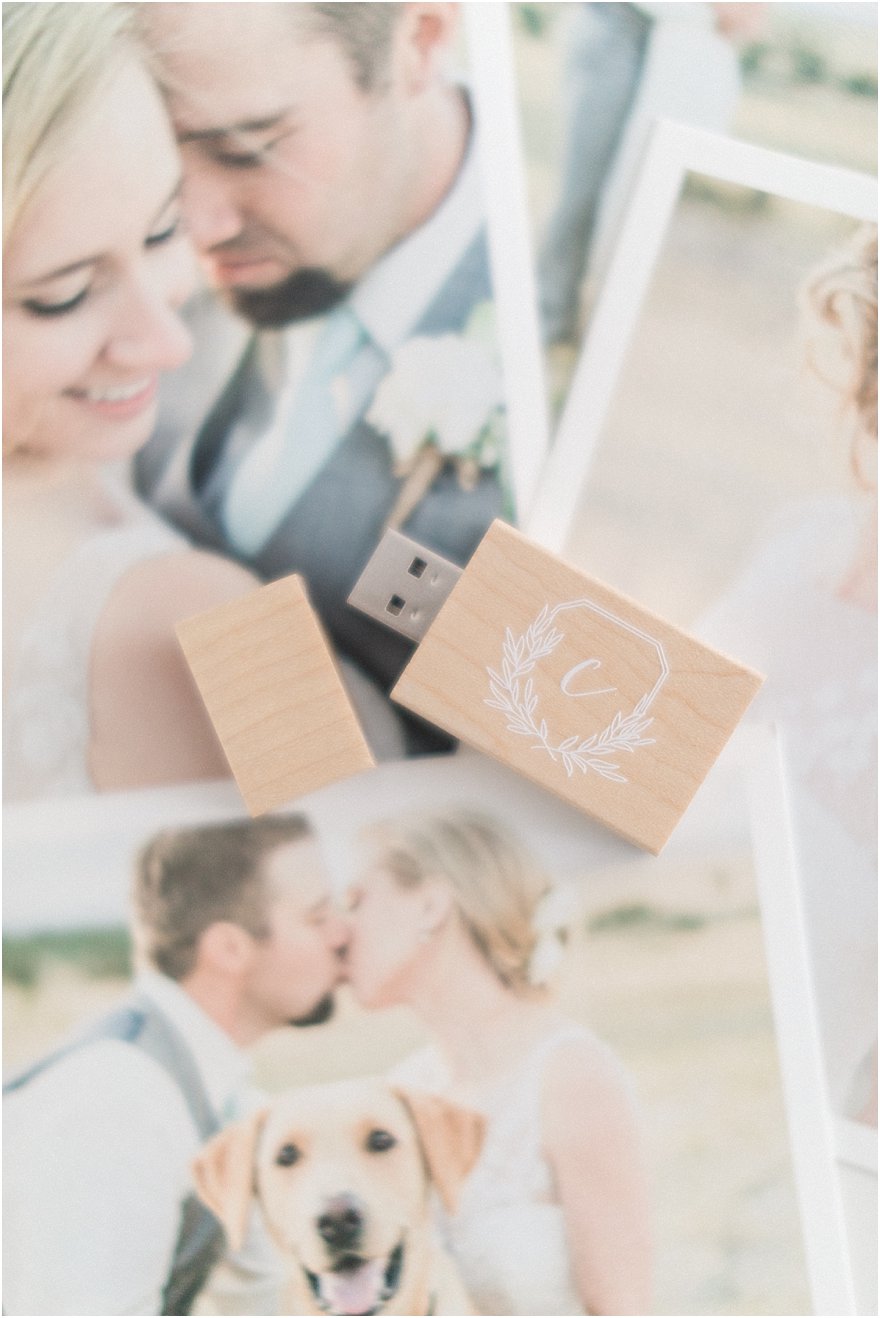
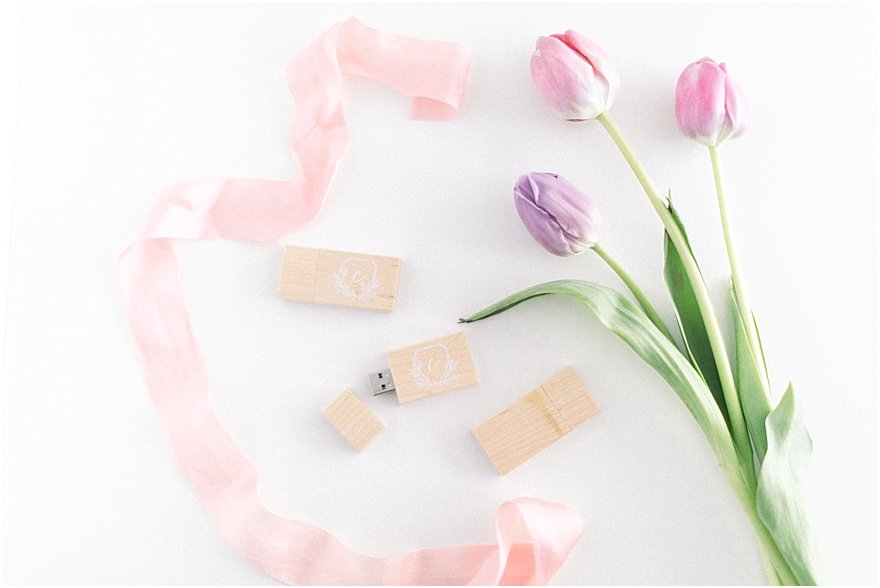
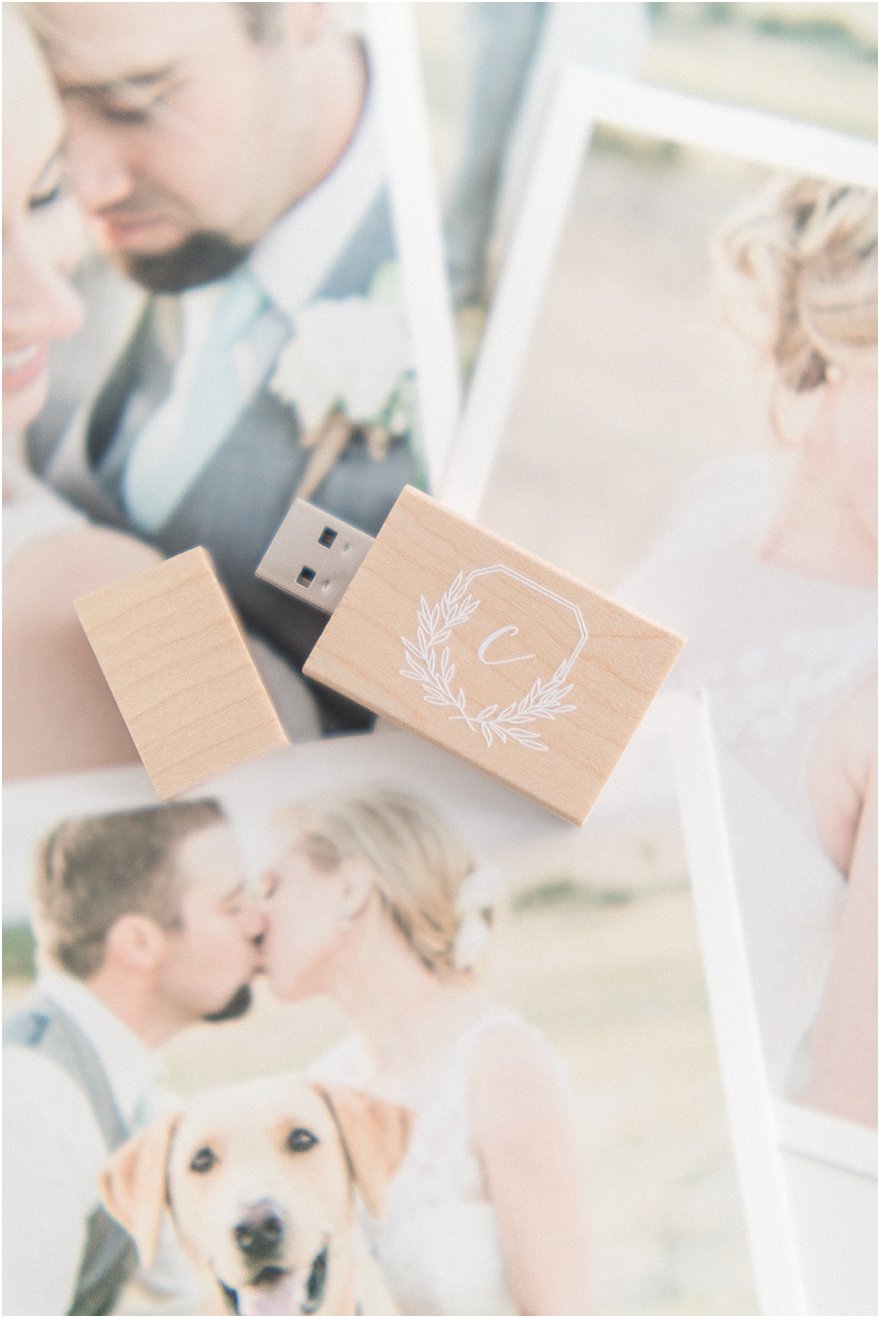
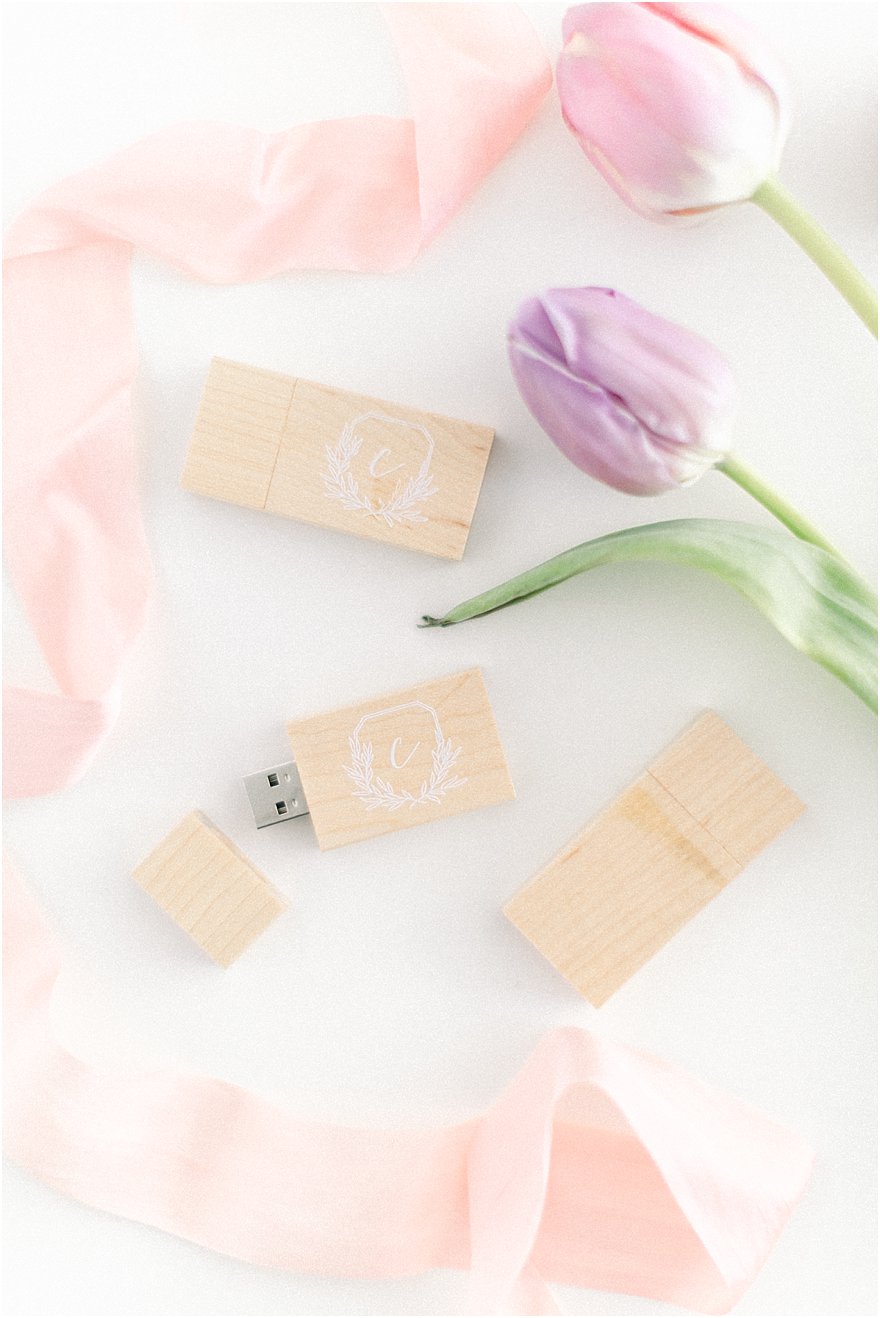
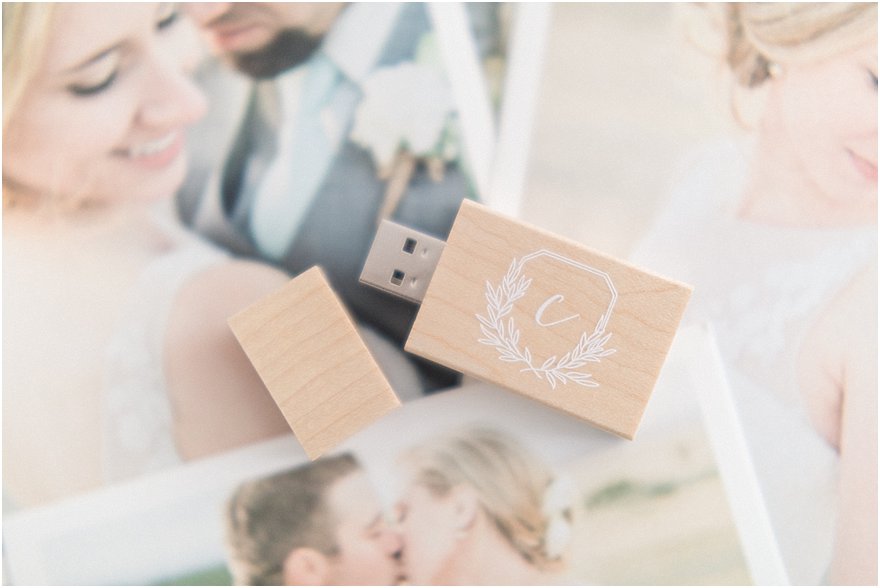
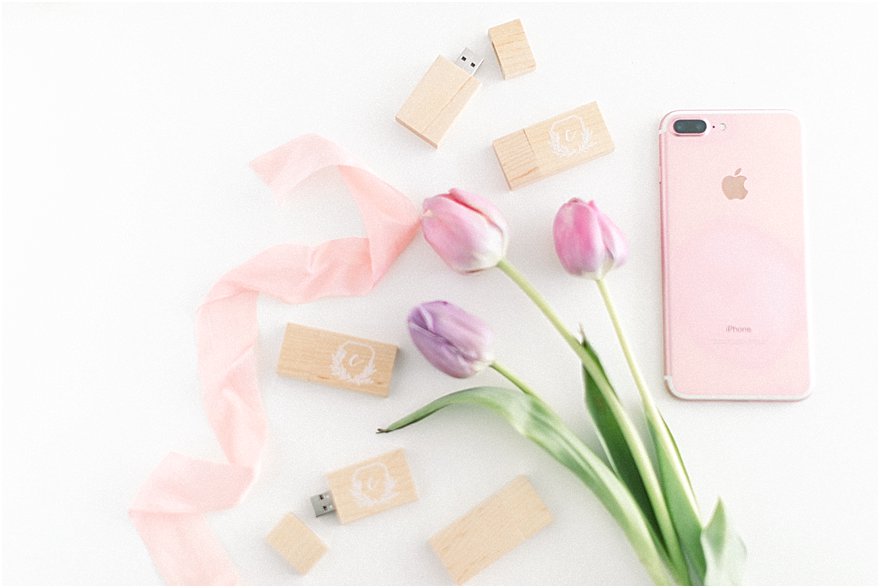
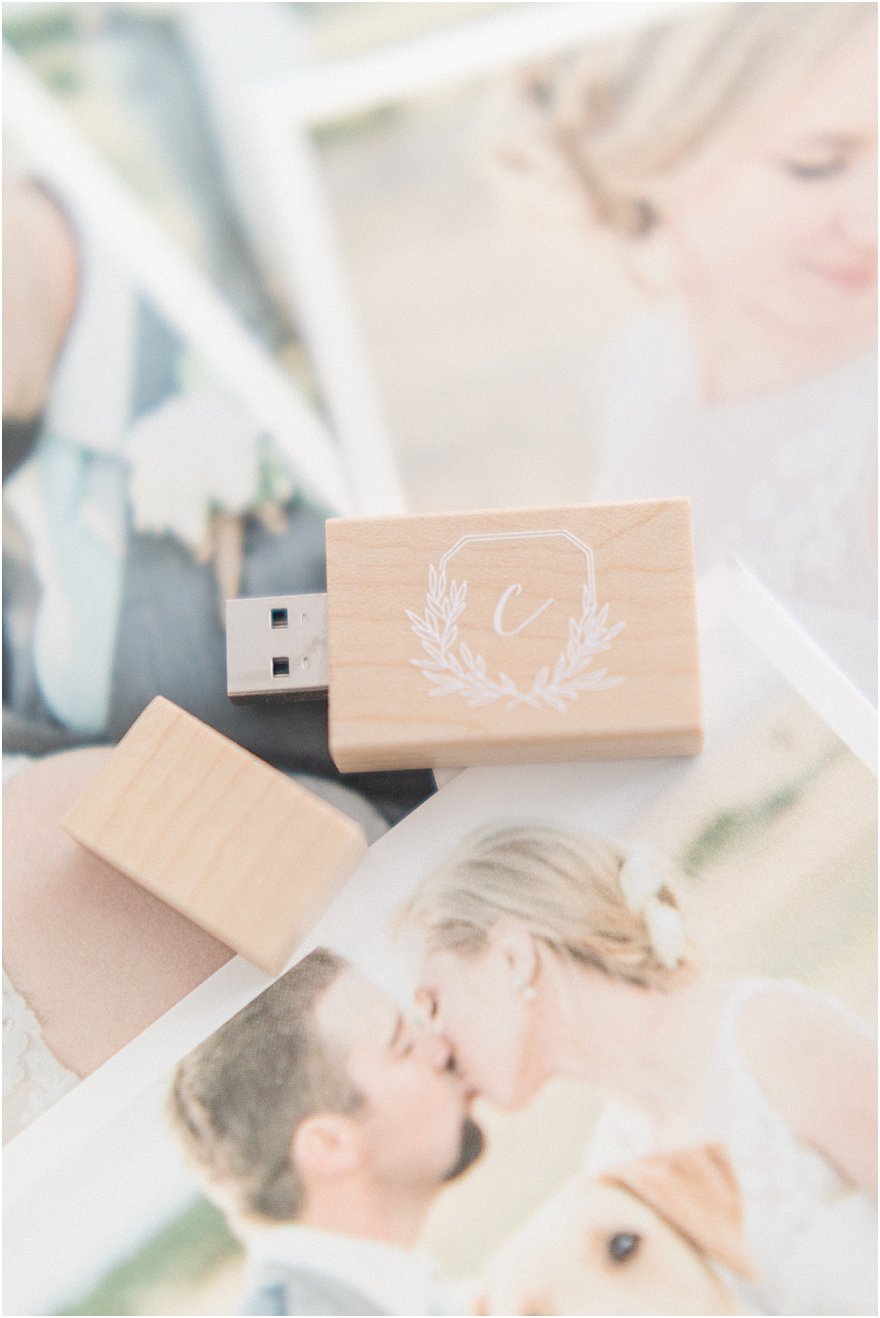
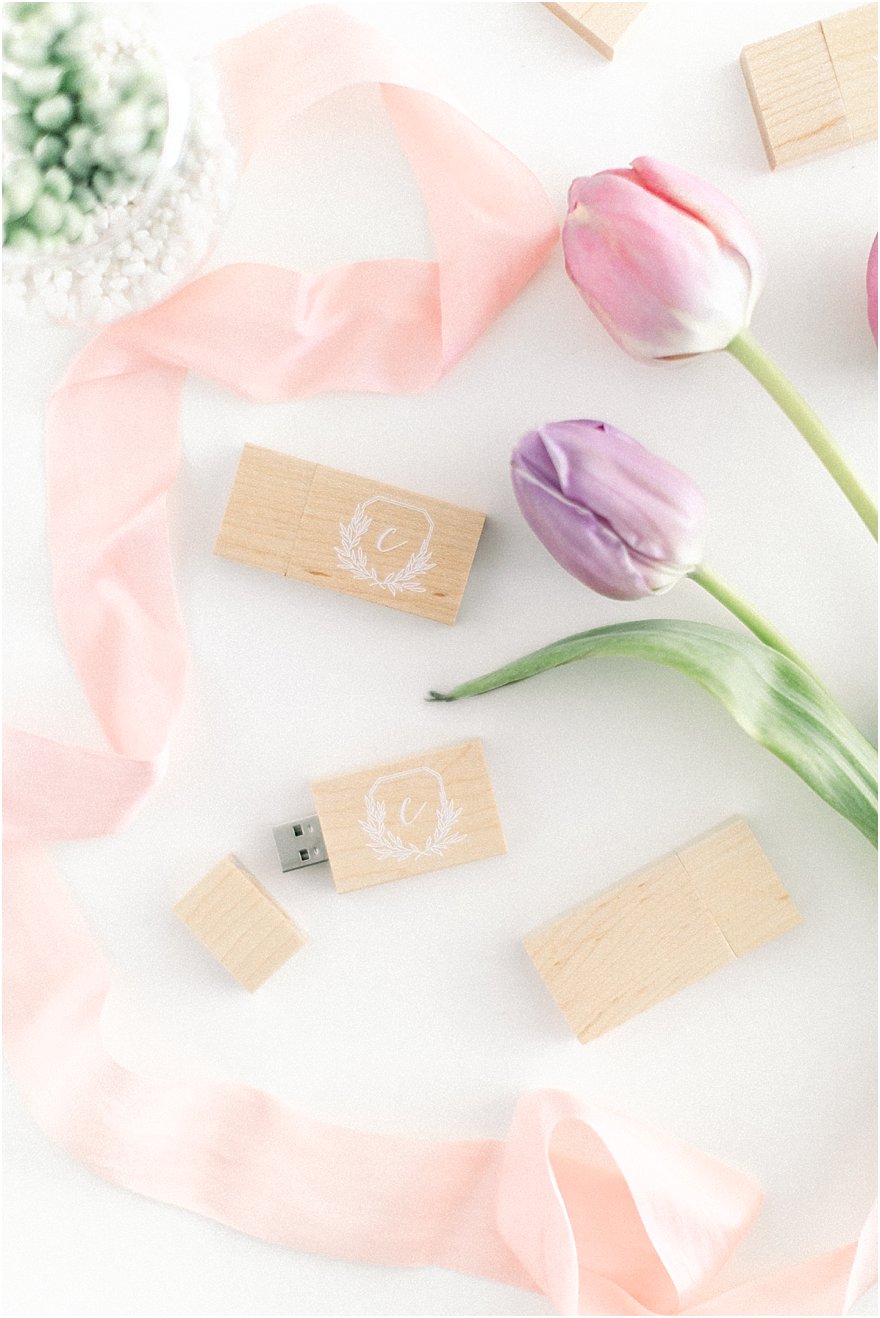
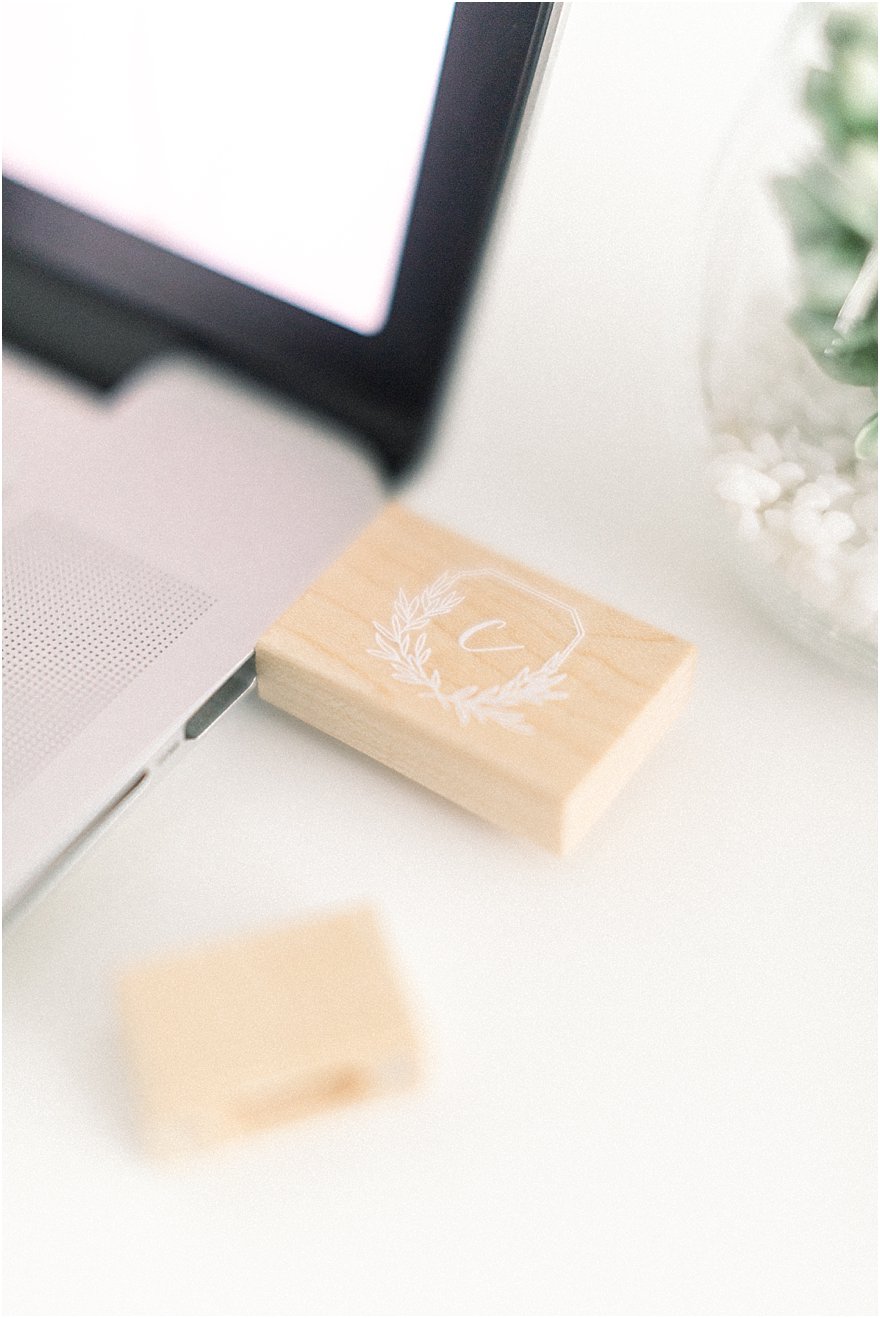
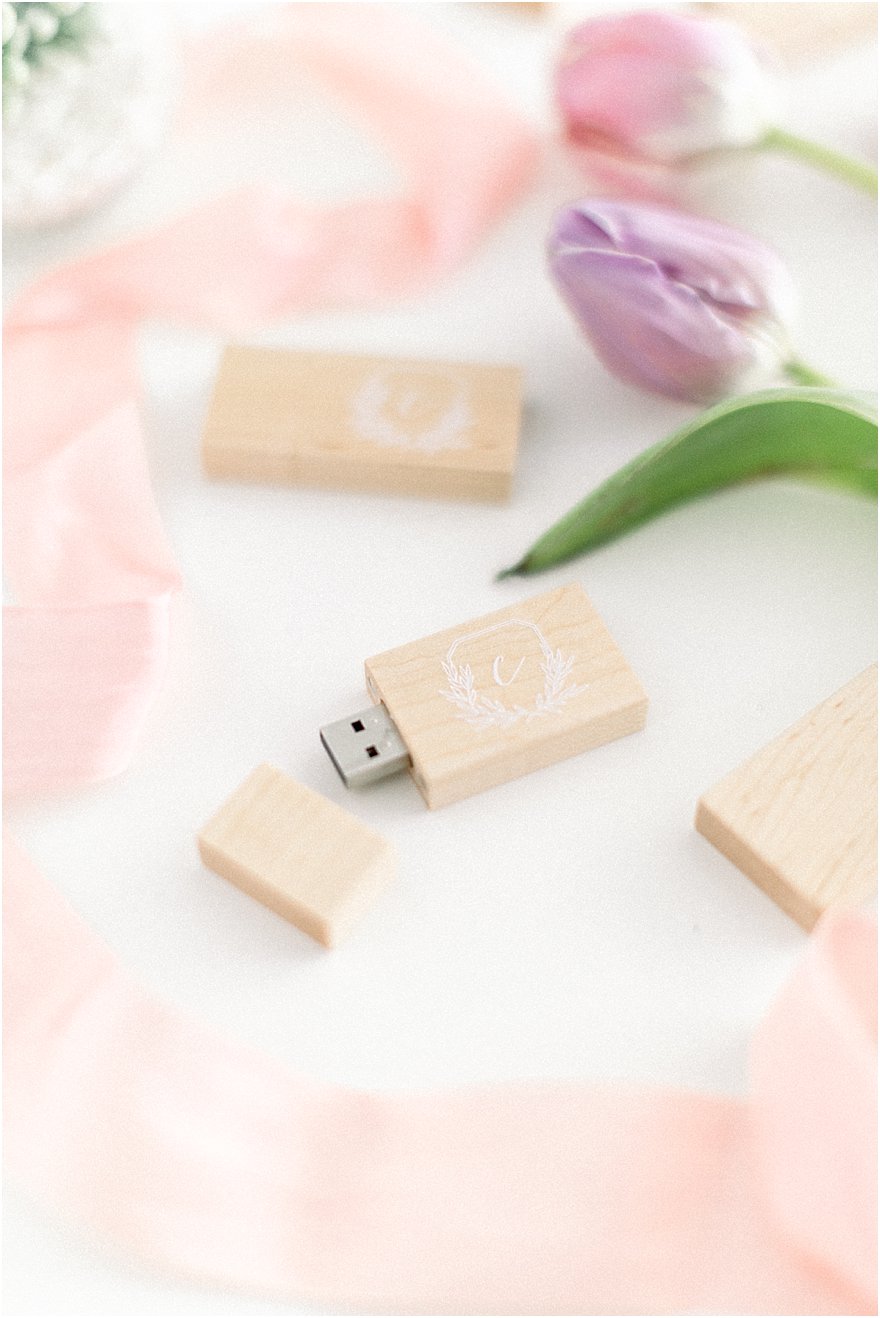
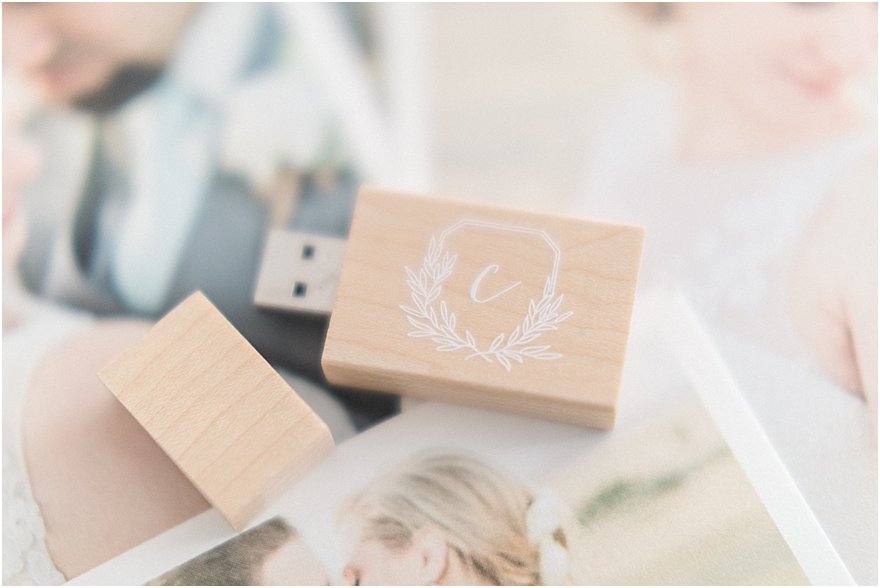
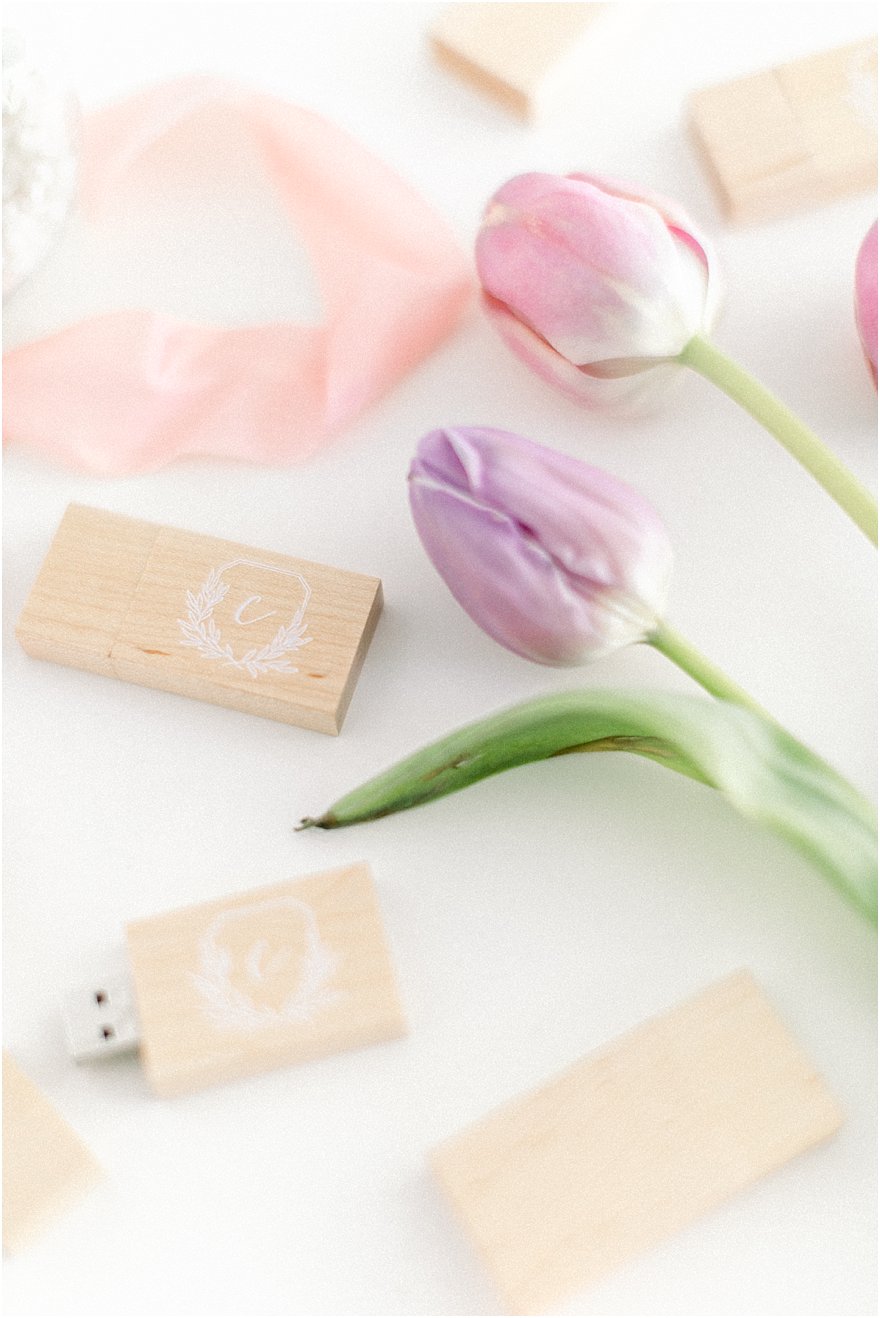
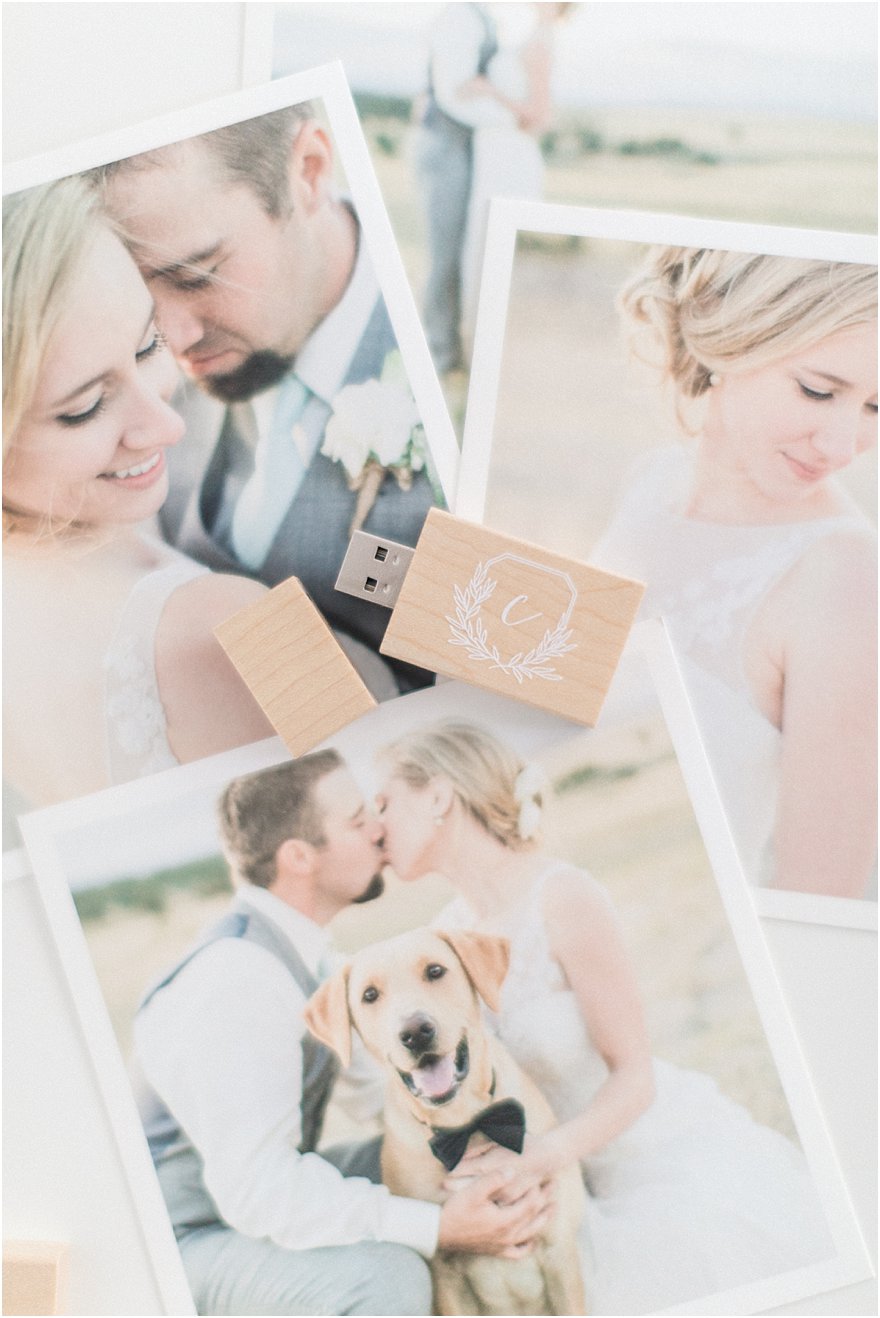
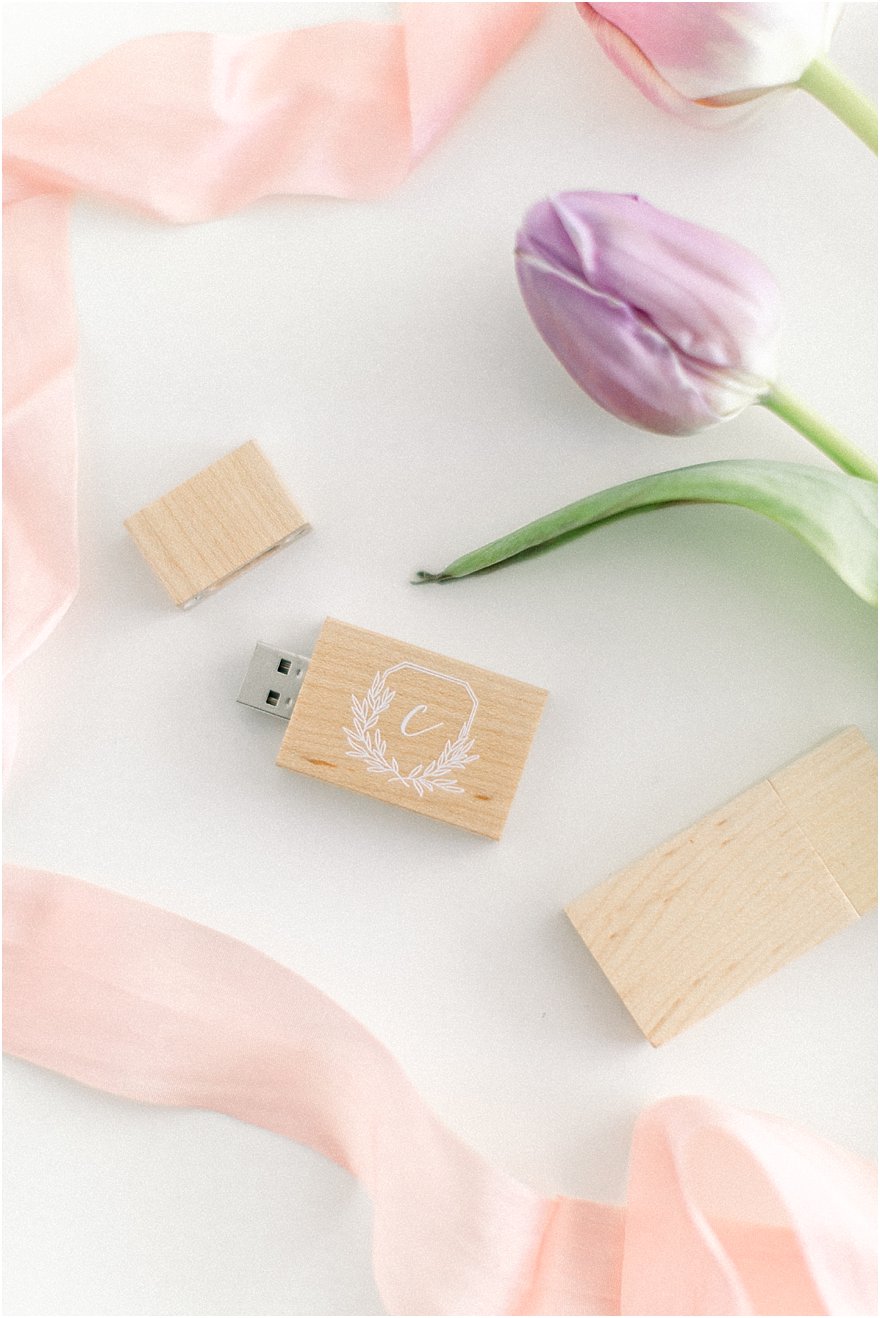
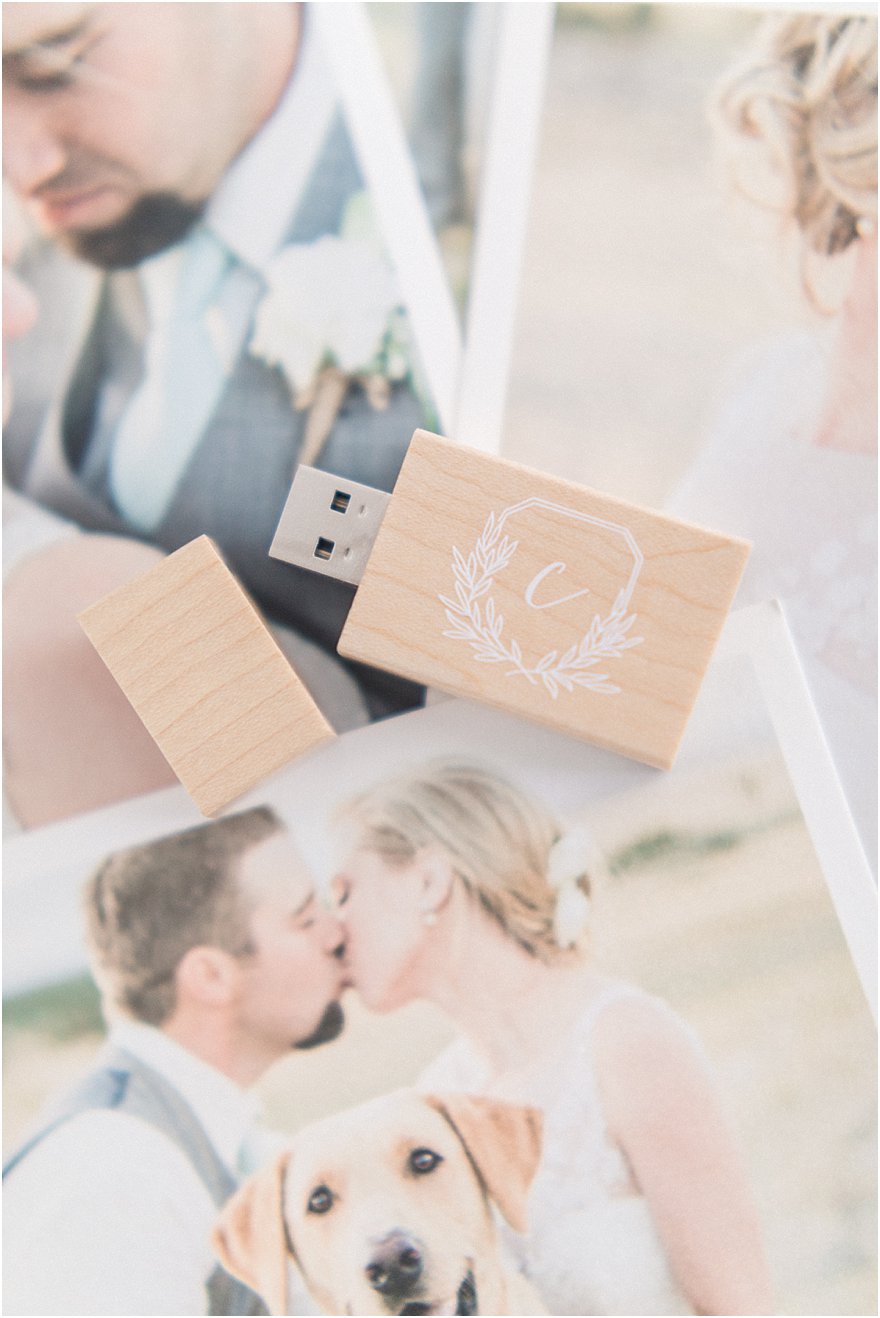
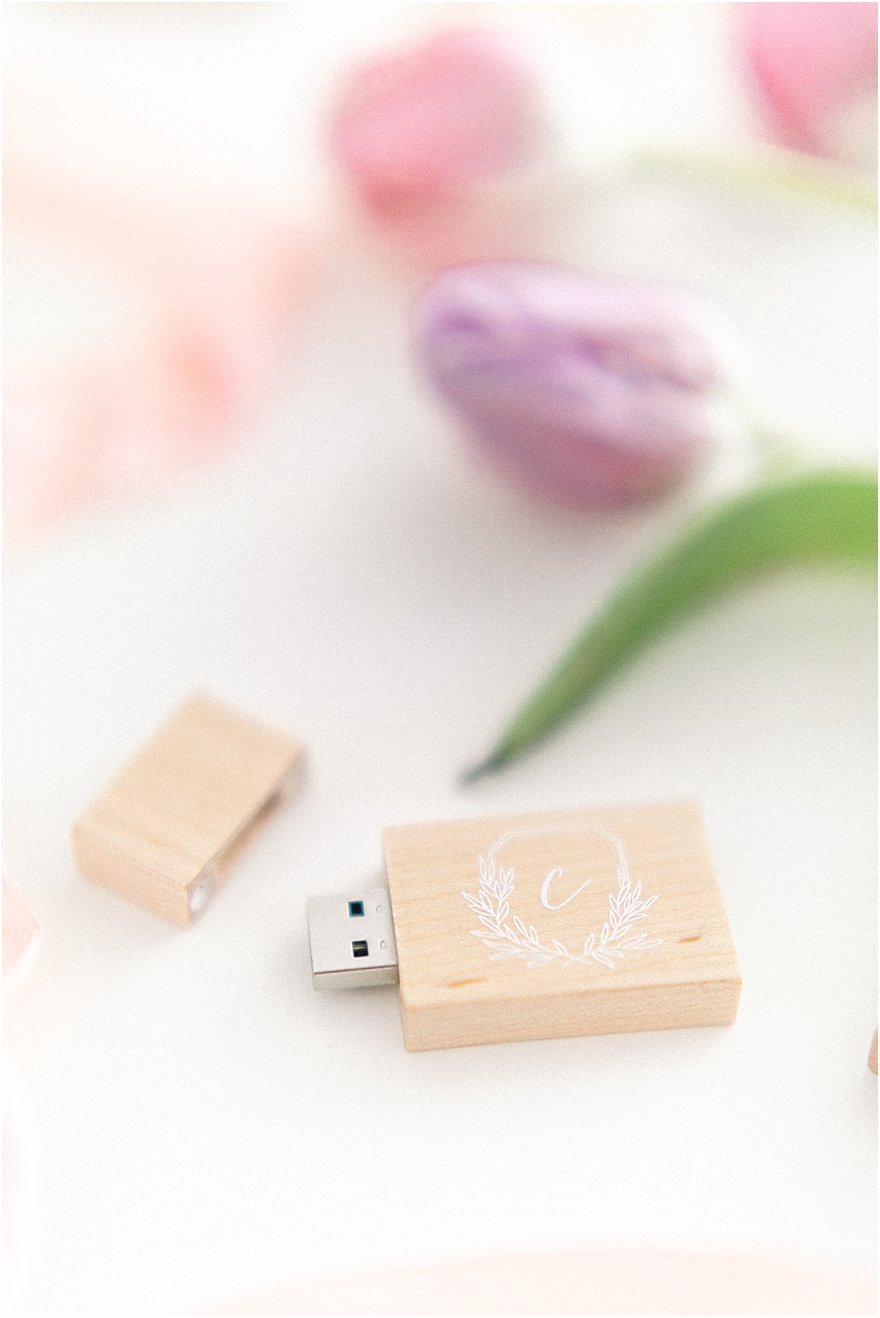
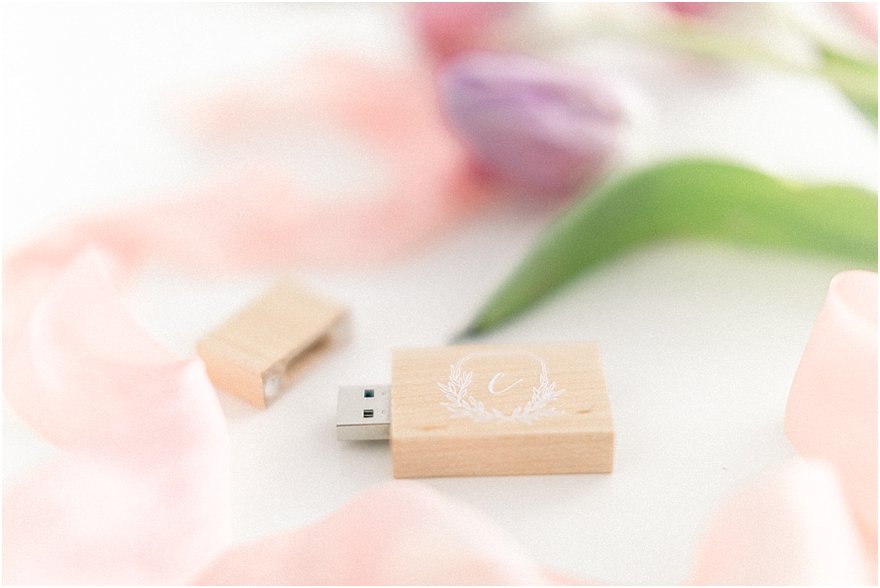
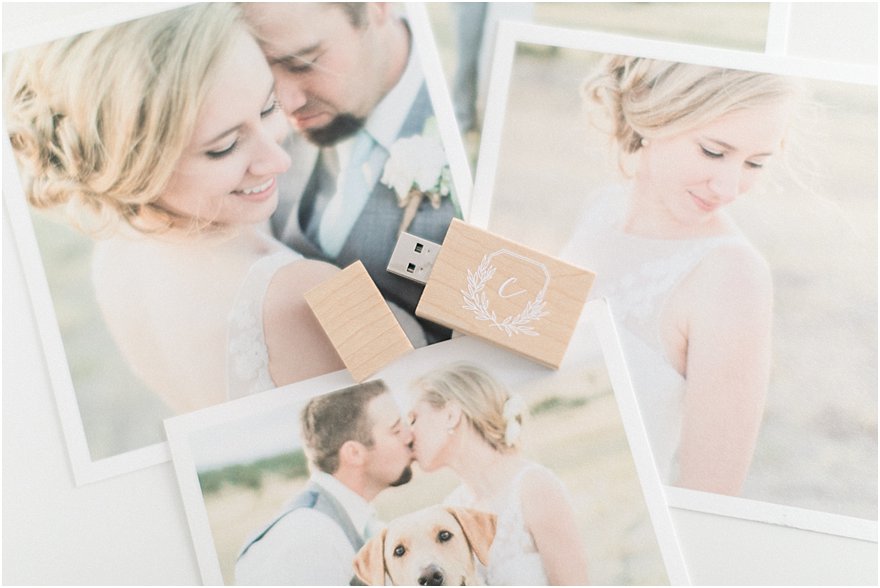
The best way to archive your photographs using USB Drives. Create a beautiful and attractive extension of your brand using USB Memory Direct.


How To Archive Your Photographs Using USB Drives How To Archive Your Photographs Using USB Drives How To Archive Your Photographs Using USB Drives How To Archive Your Photographs Using USB Drives How To Archive Your Photographs Using USB Drives How To Archive Your Photographs Using USB Drives How To Archive Your Photographs Using USB Drives How To Archive Your Photographs Using USB Drives How To Archive Your Photographs Using USB Drives How To Archive Your Photographs Using USB Drives How To Archive Your Photographs Using USB Drives How To Archive Your Photographs Using USB Drives How To Archive Your Photographs Using USB Drives How To Archive Your Photographs Using USB Drives How To Archive Your Photographs Using USB Drives How To Archive Your Photographs Using USB Drives How To Archive Your Photographs Using USB Drives How To Archive Your Photographs Using USB Drives How To Archive Your Photographs Using USB Drives How To Archive Your Photographs Using USB Drives How To Archive Your Photographs Using USB Drives How To Archive Your Photographs Using USB Drives How To Archive Your Photographs Using USB Drives How To Archive Your Photographs Using USB Drives How To Archive Your Photographs Using USB Drives How To Archive Your Photographs Using USB Drives How To Archive Your Photographs Using USB Drives How To Archive Your Photographs Using USB Drives

In Partnership with USB Memory Direct
Logo By Shasta Bell Calligraphy
Photographed By Catherine Leanne Photography

You might like this post:

Favorite Apps

SHARE THIS POst

Leave a Reply

Your email address will not be published. Required fields are marked *

A well-considered timeline does more than keep the day moving. It creates space to be present, enjoy the people you’ve gathered, and allow meaningful moments to unfold without feeling rushed.

I’ve gathered five of the things I consider when helping my couples shape a wedding-day timeline that supports both the experience and the photographs.

SEND ME THE GUIDE

A WEDDING DAY WITH ROOM TO BREATHE

five considerations for a thoughtful timeline

Grab Your Guide

A lot of moving pieces go into planning a wedding day timeline and I know it can be overwhelming! Grab my free guide to plan the perfect timeline for your day. 

error: